TAB 1 CONTENT : How to create new tab item
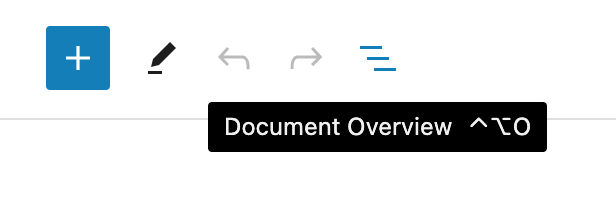
If you need to create a new tab, first open the « Document Overview ».
Add item to navigation menu
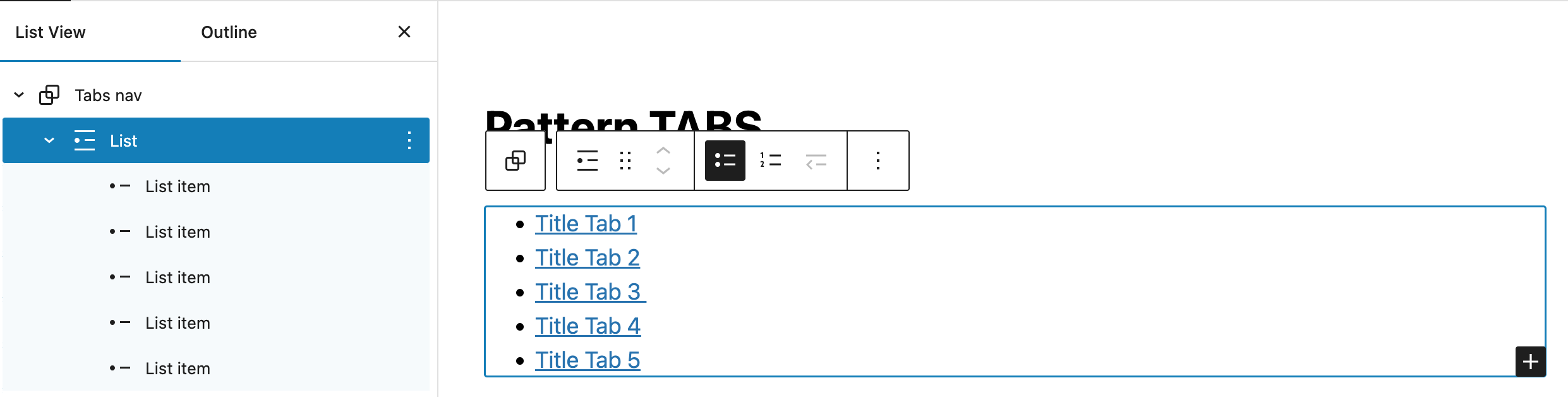
You need to add a new item in the list (group Tabs Nav > List).
In the « Document Overview », select to block « List », and click on the black « + » button inside the editor block.
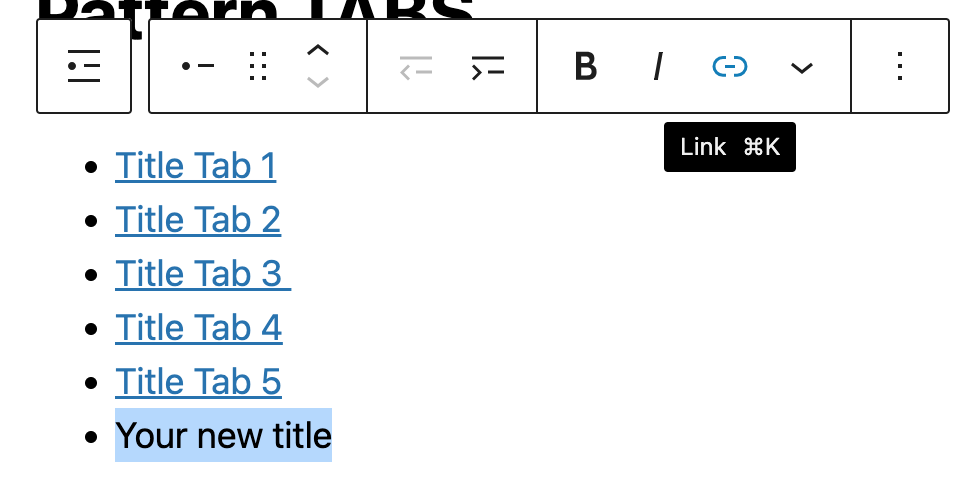
Make a link on your new title text to #tab{number}.
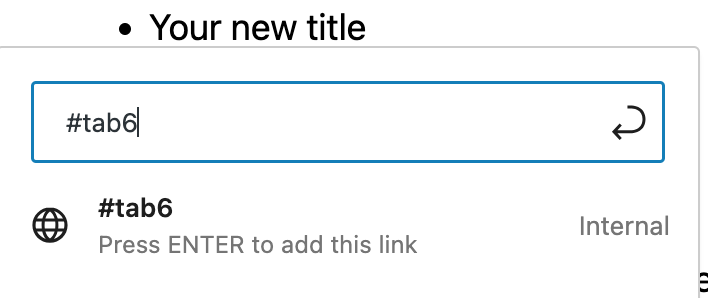
Last step, is to give an additional CSS class to your new item.
Select it from the « Document Overview », and go to the options block in the right sidebar.

Add the additional class « tab ».

Add tab content group
Now create the new tab content {number} group. The simplest way is to duplicate one of the existing « tab content » from the « Document Overview ». (option in the 3 vertical dots)

Select your new block group, go to the right column in block options, and deploy « Advanced » options.
Give a new explicit name to your group (block name), and fill the html anchor name with tab{number} choosen in the list item link.
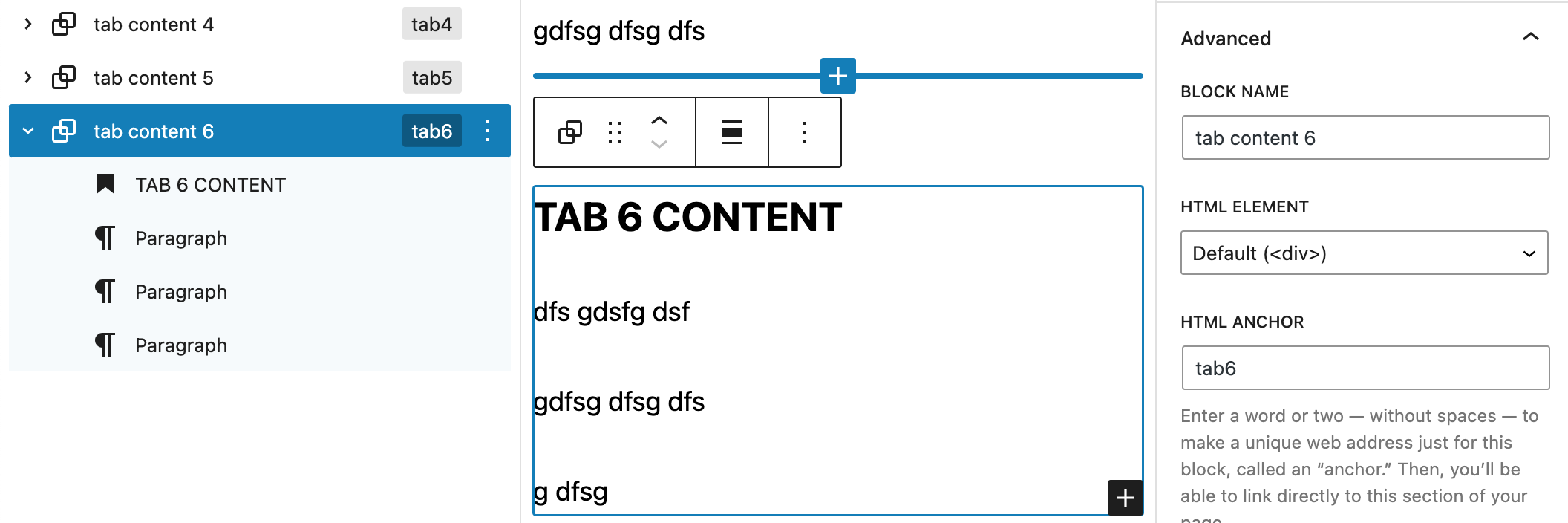
That’s all !
TAB 2 CONTENT
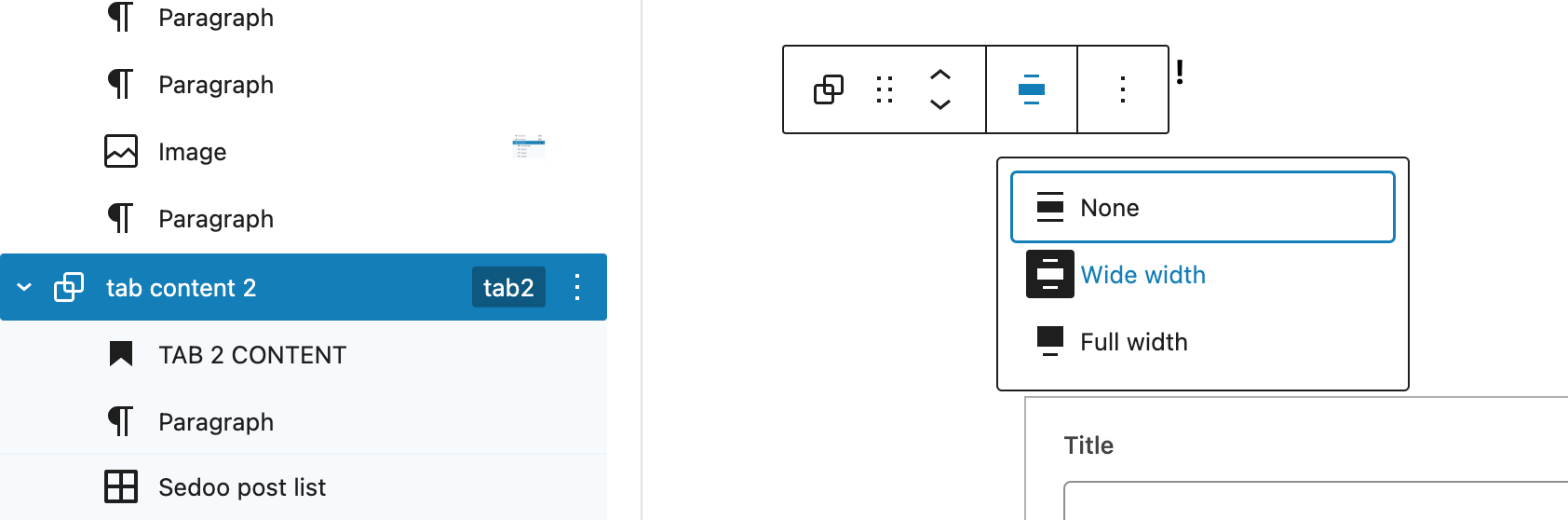
In this tab, we use a Wide width for the group block.
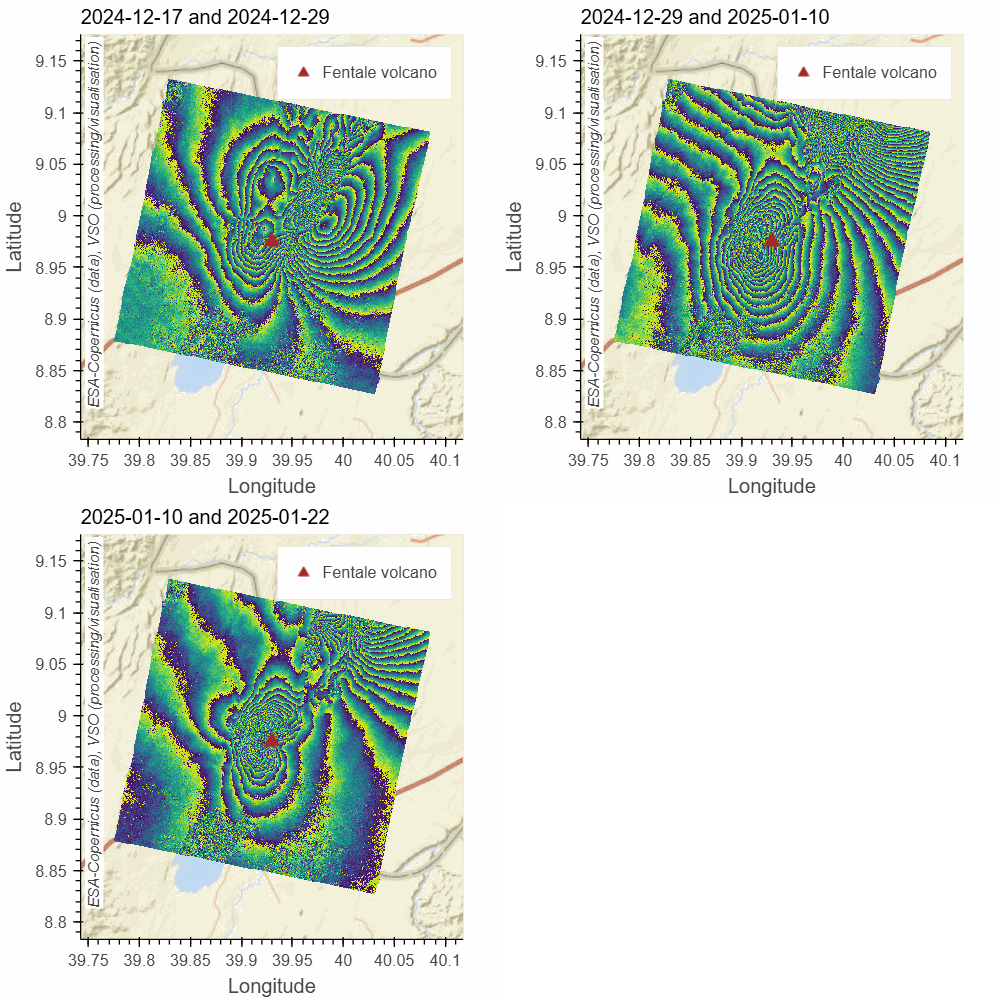
Lancement de l’API VSO : un service ouvert de suivi satellitaire des volcans
L’API Volcano Space Observatory (VSO) est désormais disponible : un service REST permettant un traitement de données satellitaires à la demande, destiné aux chercheurs, scientifiques, observatoires volcanologiques et institutions en […]
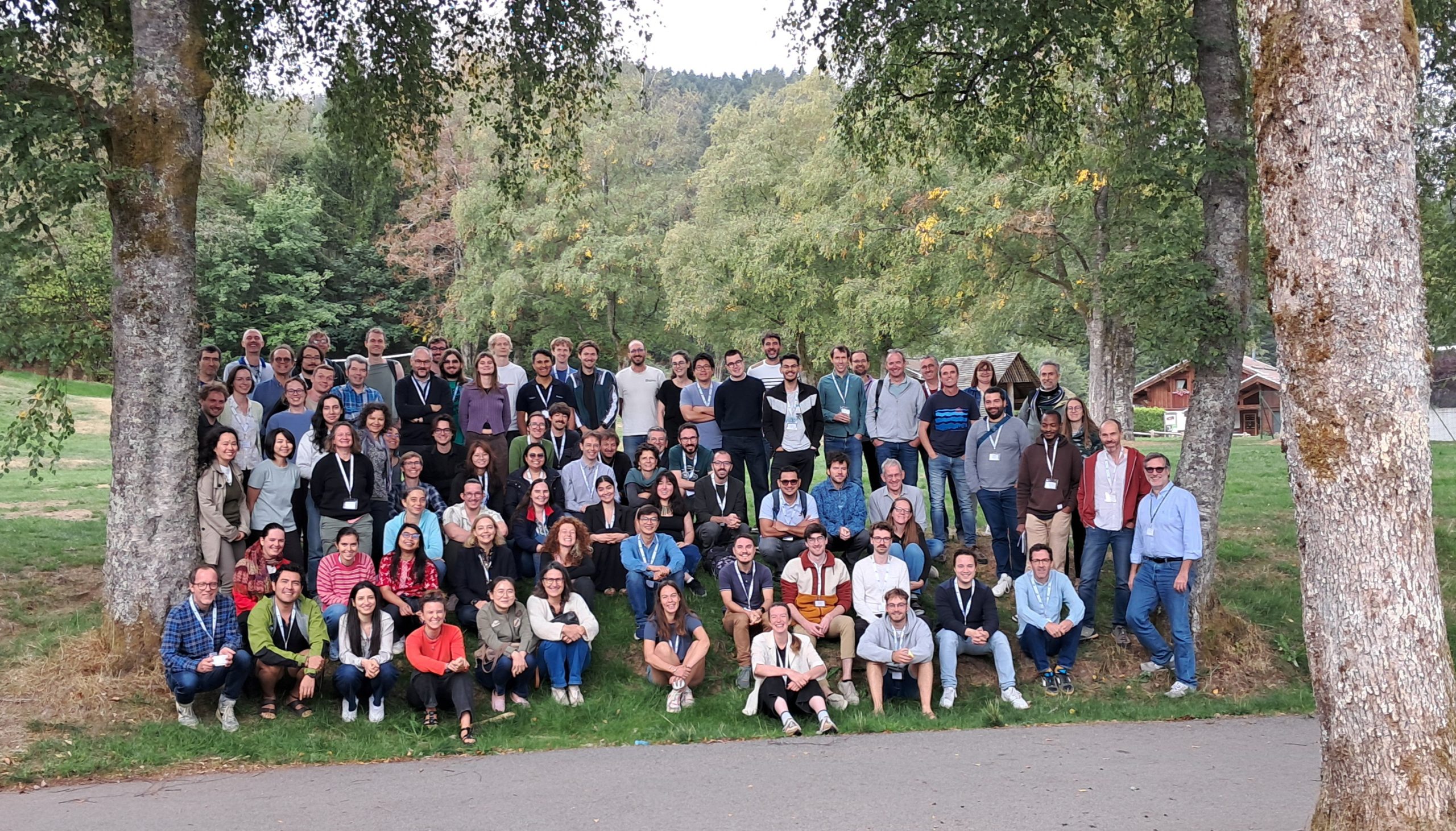
MDIS-FormaTerre 2026 : un succès
Du 14 au 18 septembre 2026, la communauté française et internationale de la mesure des déformations de la surface terrestre par imagerie satellitaire s’est réunie à Nancy puis à Xonrupt-Longemer […]
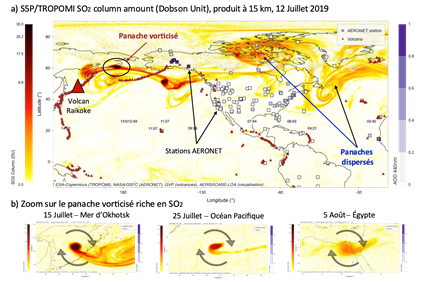
Une croissance inégalée dans la stratosphère des aérosols du volcan Raikoke (2019), quels impacts climatiques ?
La nature exacte des particules injectées dans la stratosphère suite à une éruption volcanique est d’importance pour comprendre leur impact sur le climat. Les émissions volcaniques sont riches en dioxyde de soufre […]
Recrutement : Post-doctorant (H/F) PC4-WP2
Rejoignez l’équipe FormaTerre ! FormaTerre recherche, en collaboration avec le BRGM, un·e post-doctorant·e en CDD de 18 mois pour développer un agent conversationnel dédié à la géologie, au sein du […]
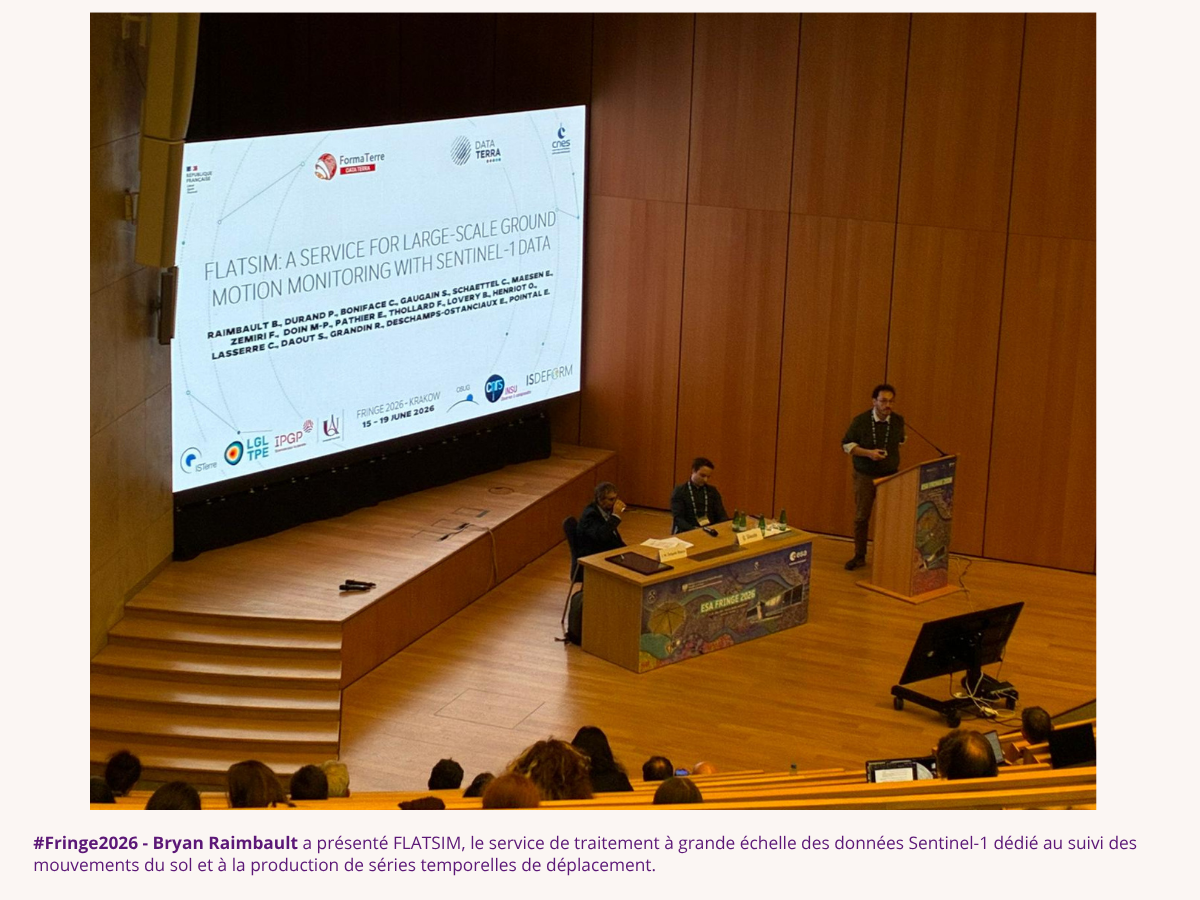
Retour sur notre participation au workshop #Fringe2026
Du 15 au 19 juin 2026, Cracovie (Pologne) a accueilli le Fringe 2026, le 13ᵉ atelier international dédié aux avancées scientifiques et applicatives de l’interférométrie SAR (radar à synthèse d’ouverture). […]
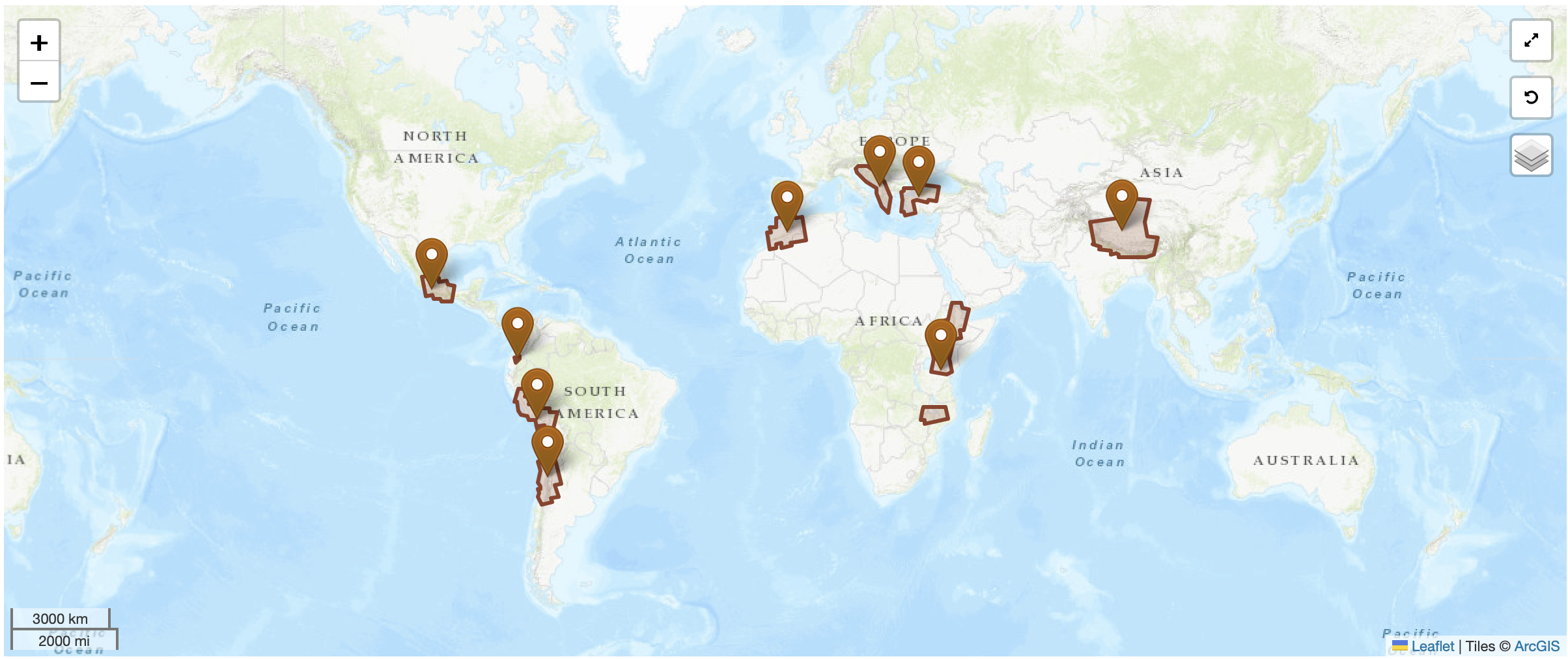
AI3 FLATSIM : 9 nouveaux projets lancés
Le 29 avril 2026, le kick-off du 3ème appel à idées FLATSIM a réuni porteurs de projets et équipes techniques pour lancer officiellement 9 nouveaux chantiers scientifiques. Les 9 projets […]
TAB 3 CONTENT
dfs gdsfg dsf
gdfsg dfsg dfs
g dfsg
TAB 4 CONTENT
dfs gdsfg dsf
gdfsg dfsg dfs
g dfsg
TAB 5 CONTENT
dfs gdsfg dsf
gdfsg dfsg dfs
g dfsg
TAB 6 CONTENT
dfs gdsfg dsf
gdfsg dfsg dfs
g dfsg